
Home Golf Simulators in Owosso, MI
Create Your Dream Indoor Golf Simulator in Owosso, Michigan
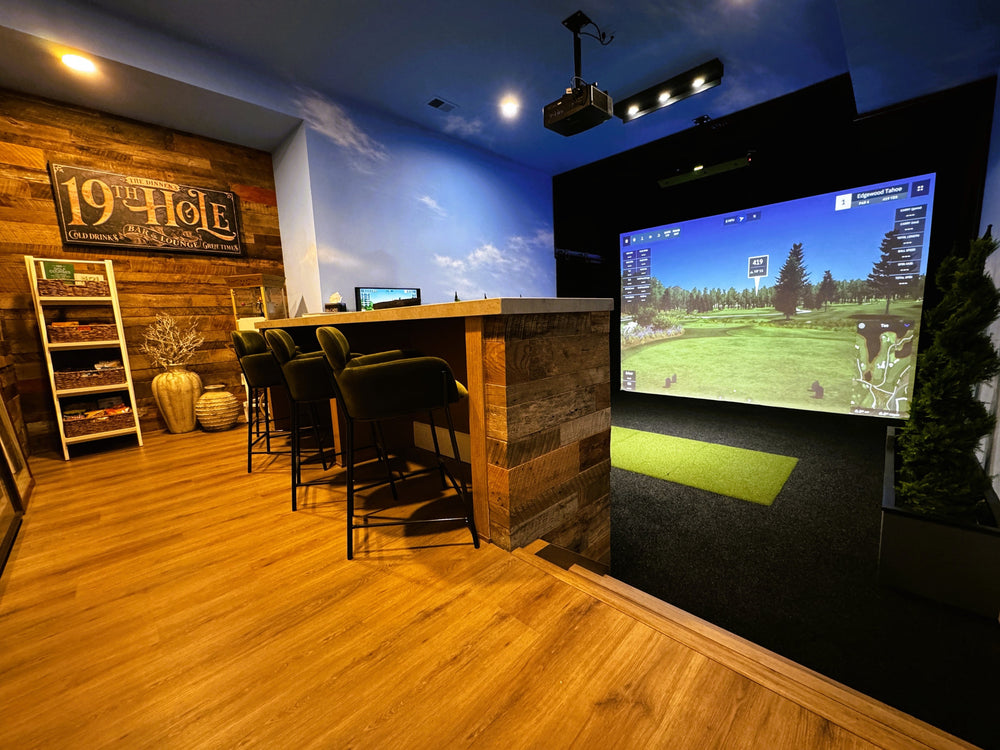
If you're searching for a local team that can plan, build, and support a full simulator environment, Virtual Tee's Owosso location is ready to help.
Address: 1484 M-52, Owosso, MI 48867
Phone: (517) 308-9760
Email: michigan@virtualtee.golf
Business Hours: Mondays–Fridays | 7:00AM – 5:00PM
For quick questions, you can contact our team, and for room-specific recommendations we'll ask for a few details so our answer is based on your real space.
Advanced Indoor Golf Simulators Built for Mid‑Michigan Homes
Every Virtual Tee simulator is planned as a complete system—technology, visuals, safety, and fit‑and‑finish working together. Instead of forcing your room to match a one‑size‑fits‑all package, we tailor the build so it feels intentional and performs reliably.
Owosso-area clients usually want a simulator for one (or more) of these reasons:
- Serious practice with dependable data (ball flight, club delivery, gapping sessions)
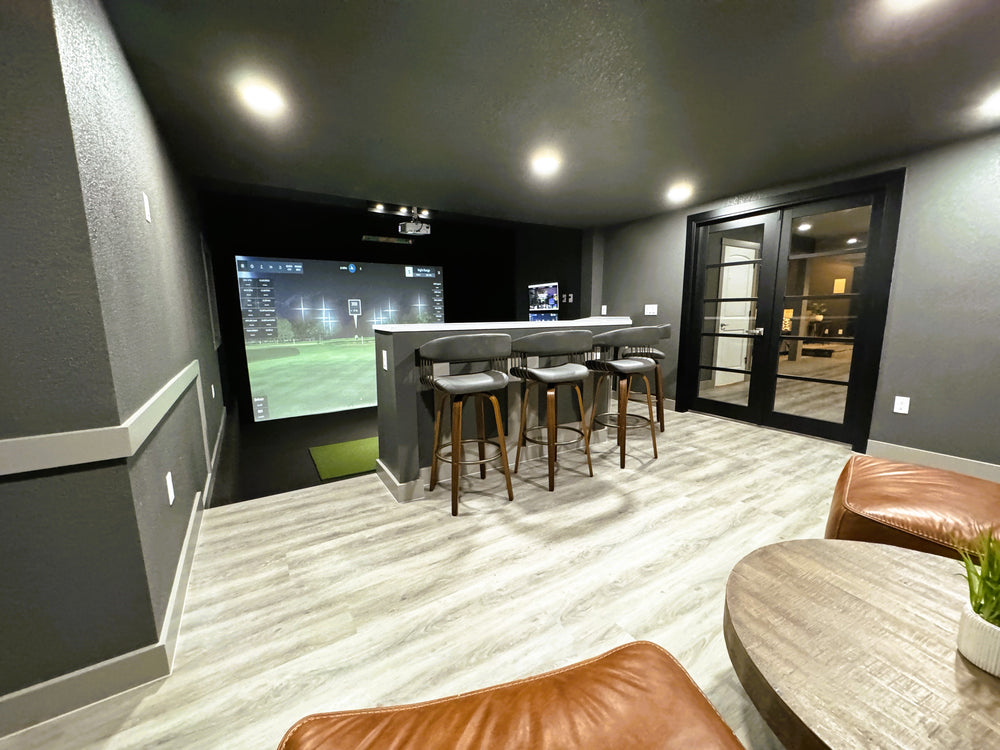
- Entertainment and hosting (friends, family, league nights, "play a round anytime")
- A clean, finished look (lighting control, turf transitions, wall/ceiling protection, sound considerations)
If you're still deciding whether you need a full simulator environment or you primarily want data from a launch monitor, the guide on Simulators vs. Launch Monitors can help you choose the right direction before you buy equipment.
Golf Simulator Options for Mid‑Michigan Homes and Businesses
Owosso and the surrounding area offer great simulator opportunities—basements, garages, bonus rooms, pole barns, and outbuildings can all become high-quality golf spaces with the right plan. Below are the most common build types we design.
Custom Home Golf Simulators
A custom home build is the "everything done right" route: layout planning, equipment selection, enclosure design, projector placement, turf integration, and professional installation with a finish level that looks like it belongs in the home.
To get inspiration from real builds (and see different room types), you can explore Our projects to compare layouts, finishes, and equipment tiers.
Garage Golf Simulators
A garage is one of the most popular simulator locations in Michigan because it often provides the depth needed for a comfortable bay. The right garage build accounts for door tracks, openers, lighting, and creating a clean setup that still feels functional.
If you're considering a garage conversion, Garage Golf Simulators: Transform Your Garage Today outlines what to plan for and how different enclosure styles affect usability.
Basement Golf Simulators
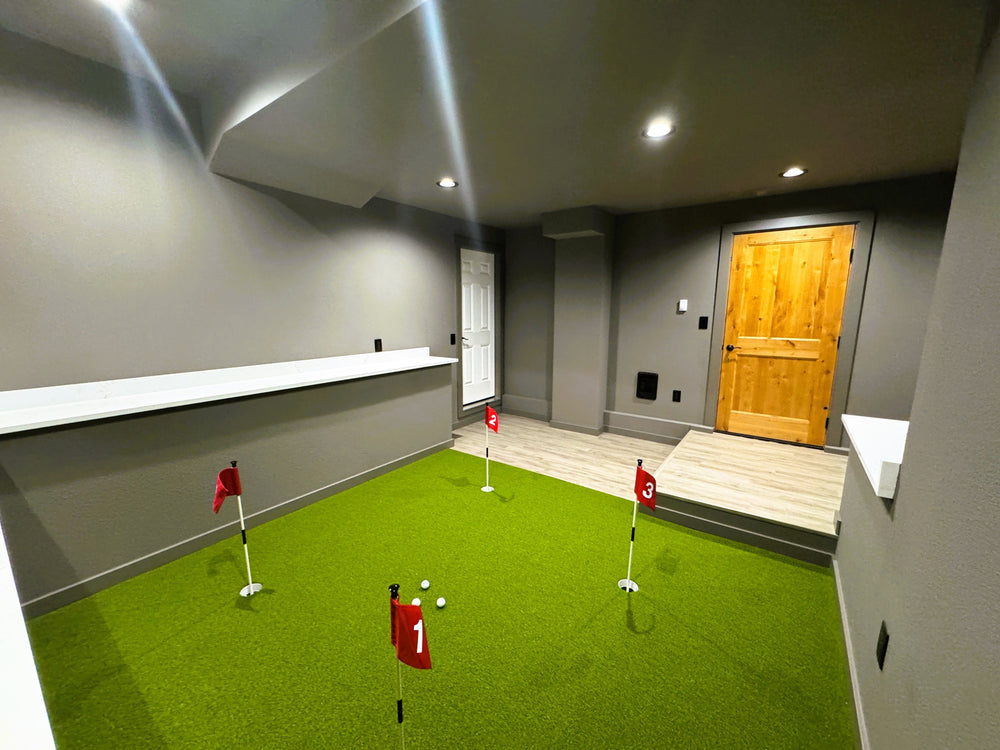
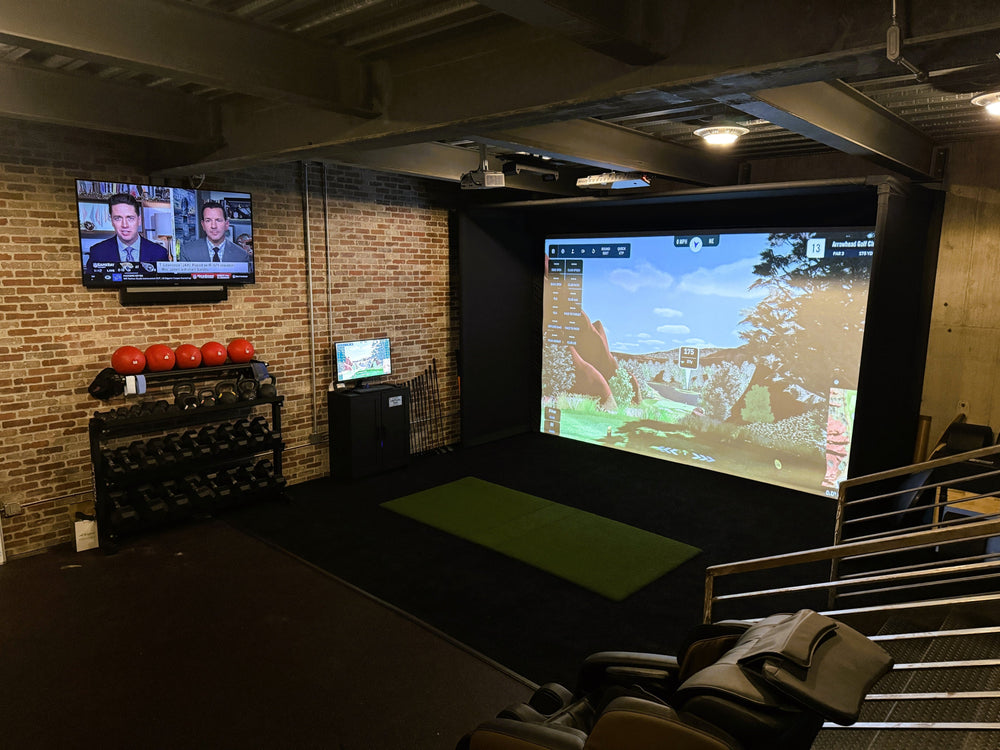
Basements can be the most immersive option—stable temperature, great lighting control, and an easy path to a "golf studio" feel. The key is planning around ceiling height, obstructions, and safe impact protection.
For basement-specific guidance, Basement Golf Simulators: Design Your Dream Setup shows how we approach layout, equipment selection, and overall room design.
Shed and Outbuilding Golf Simulators
For many Mid‑Michigan homeowners, a detached structure is the best way to create a dedicated golf space without taking away living space inside the home. Shed and outbuilding builds can be designed for year‑round use with the right planning and equipment.
If you're exploring this route, Shed Golf Simulators: Create Your Backyard Golf Oasis breaks down the main considerations—and if you're curious about a turnkey shed concept, the THE CADDY SHACK page shows what a complete "sim shed" solution can look like.
Commercial Golf Simulators
If you're a business owner in Owosso or the surrounding region, a simulator can be a strong draw for customers, clients, or staff. Commercial builds focus on durability, traffic flow, and repeatable performance.
To learn how Virtual Tee approaches business installs, the Commercial Golf Simulator page explains the big picture and what to expect.
Space Planning for an Owosso Home Golf Simulator
A great simulator build starts with the space—not the shopping cart. Before choosing equipment, we plan around safety, comfort, and a layout you'll enjoy using for years.
During planning, we typically evaluate:
- Ceiling height and swing comfort
- Room width for centered hitting and left/right-handed play
- Room depth for screen placement, hitting distance, and projector throw
- Lighting placement and glare control
- Wall and ceiling protection zones
- Flooring transitions (turf + mat integration)
- PC and A/V needs (gaming PC, sound, side display options)
If you're concerned about ceiling height, you'll find practical design ideas in Low Ceiling? You Can Still Have a Home Golf Simulator, including strategies that can make tighter basements and bonus rooms work more comfortably.
For a complete overview of simulator components and how they work together, the Golf Simulators Guide is a helpful "start here" resource while you plan your space.
Equipment We Recommend and Install
The best simulator results come from matching equipment to the room. Virtual Tee helps you choose technology that fits your goals (practice vs. entertainment), your space (overhead vs. floor-based tracking), and your preferred experience (simple vs. premium finish).
Launch Monitors
Your launch monitor is the brain of the simulator. To compare options, our Launch Monitors collection is a great place to start, and many clients also browse by brand depending on the ecosystem they prefer.
- If Trackman is on your shortlist, Trackman Golf Simulators provides an overview of the experience and what makes Trackman builds unique.
- For overhead camera-based systems, Uneekor Launch Monitors are a strong option set for both performance and flexibility.
- For data-rich performance and a proven ecosystem, Foresight Launch Monitors remain a favorite among serious golfers.
Screens and Enclosures
Your enclosure and impact screen create the "bay" feel, protect the room, and influence immersion more than most people expect. To shop options and compare enclosure styles, check out our options for Screen and Enclosures.
If you're deciding between a full impact screen and a net, our blog post Golf Simulator Screen vs. Net: Choosing the Right Impact Surface explains what changes in realism, protection, and room versatility.
Projectors
Projector choice can make the simulator feel "okay" or incredible. Throw distance, brightness, aspect ratio, and placement all matter—especially in multi-use spaces.
To compare projector options, browse Projectors early in the process, and learn How to Choose the Perfect Projector for Your Golf Simulator to avoid the most common mismatches.
Hitting Mats and Turf
Comfort and realism matter when you're practicing often. Flooring and turf also impact swing clearance (especially in lower-ceiling rooms) and overall room aesthetics.
For durable, simulator-ready options, our Hitting Mats/Turf page helps you compare different surfaces and build styles.
DIY Packages and Bundles
If you want a streamlined DIY path, many clients start with Sim Packs to simplify component selection and ensure compatibility.
And if you're still exploring categories, you can shop our product catalog while you compare launch monitors, enclosures, projectors, mats, and accessories.
Michigan Installations and Inspiration
The fastest way to confirm what's possible is to see real builds. Start with Our projects and look for spaces similar to yours—garages, basements, sheds, and commercial bays.
For a Michigan example, the Golf Sim Farmington Hills project highlights a basement simulator designed for consistent year-round practice with a clean, golf-first layout.
PARTNERING WITH
Why Virtual Tee Systems for Your Project?
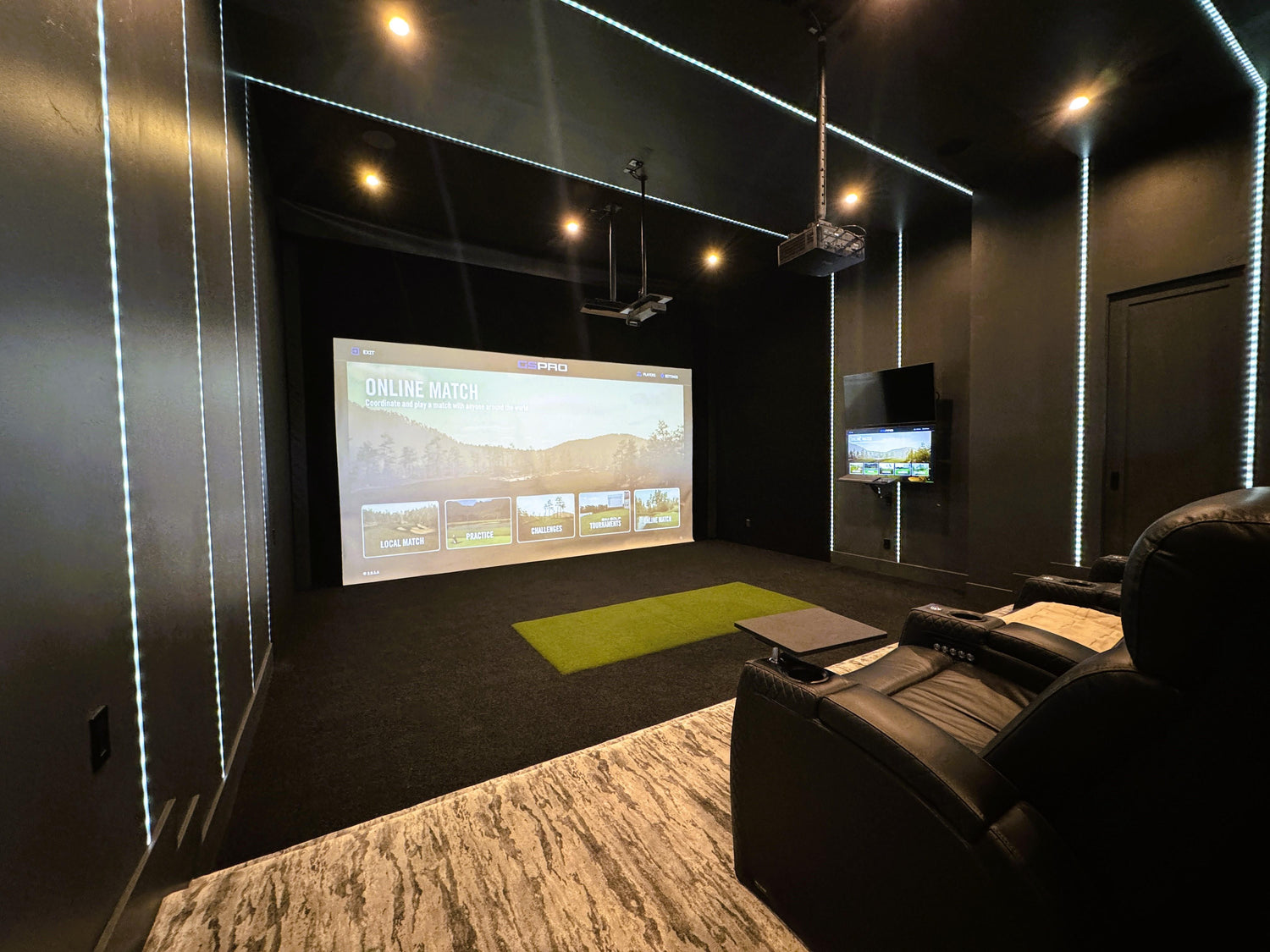
A simulator build runs smoother when it's approached like a real project—planned, measured, installed, and supported. Virtual Tee Systems performs efficient and thorough golf simulator installations, and our Owosso team brings that same process to Mid‑Michigan homes and businesses.
Most projects follow a simple sequence:
Contact and Discovery
We start with your goals, budget range, and space. Many clients begin by getting a quote so we can provide accurate recommendations based on room dimensions and intended use.
Site Visit and Measurements
We verify ceiling height, layout options, lighting constraints, and safety zones so the final design is built around reality—not assumptions.
Design Approval and Component Selection
We finalize your enclosure style, screen size, launch monitor, projector approach, flooring, and any build details needed for a clean finish.
Materials, Installation, and Calibration
We install the full environment, configure and test the technology, and calibrate the system so the experience is consistent and reliable.
If you want a deeper look at what's involved, you can review the Simulator Build Process page to understand each stage and how Virtual Tee approaches quality and fit‑and‑finish.
Let's Get Your Project Started
Reach out to Virtual Tee Systems and let us help you design a cutting-edge indoor golf simulator you'll cherish for years to come. Return the form below to request additional information and a quote today.
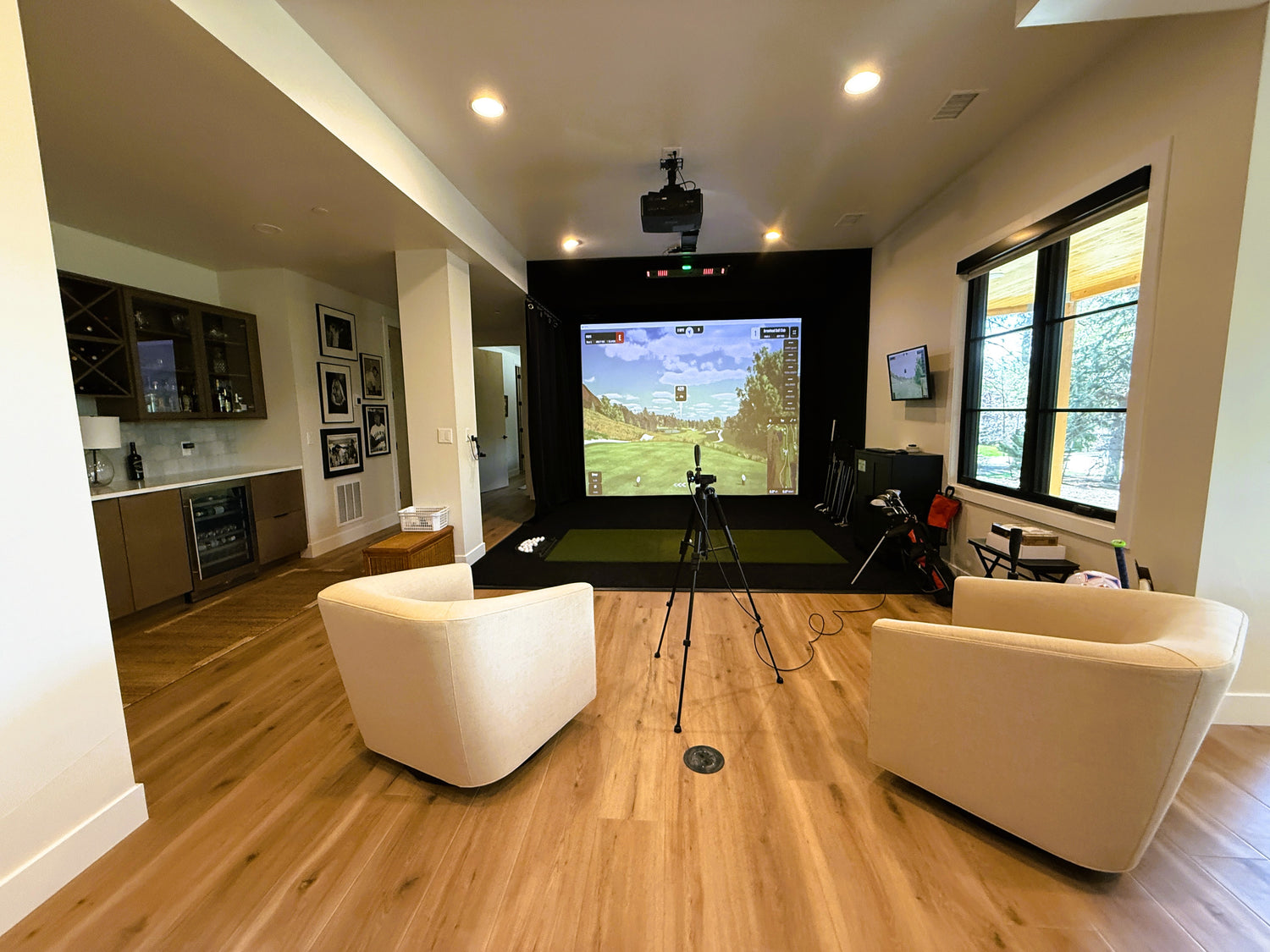
Areas We Serve Around Owosso
Virtual Tee's Owosso location supports homeowners and businesses across Mid‑Michigan, including nearby communities such as:
- Owosso and Corunna
- Perry, Durand, and Laingsburg
- Chesaning and St. Charles
- St. Johns and the greater Mid‑Michigan region
- Flint-area communities by request (including Grand Blanc and surrounding areas)
If you're closer to a major metro, we also construct home golf simulators in Lansing, MI, Ann Arbor, MI, Detroit, MI, Grand Rapids, MI, and Traverse City, MI.
For a full list of locations nationwide, see our Service Areas page.
Frequently Asked Questions About Home Golf Simulators in Owosso
How Much Does a Home Golf Simulator Cost in Owosso?
Most projects depend on your room, equipment selection, and whether you want a full build-out or a streamlined install. As a general starting point, turnkey installs often begin around the $20,000–$30,000 range, while DIY packages start around $10,000. The most accurate way to price your setup is to submit your room details through Get A Quote so our team can recommend the right build path.
Do I Need a Large Room to Install a Simulator?
Not necessarily. Many installs are designed for standard garages, basements, and bonus rooms. If your space is tight, layout and equipment selection matter more than raw square footage—especially with ceiling height. If headroom is your concern, our blog post Low Ceiling? You Can Still Have a Home Golf Simulator explains strategies that can help compact rooms work.
Can You Build a Golf Simulator in a Michigan Garage?
Yes. Garages are one of the most common choices in Mid‑Michigan. We plan around door tracks, opener placement, lighting, and how you want the garage to function when you're not playing. Garage Golf Simulators: Transform Your Garage Today covers key planning details for garage builds.
Can My Simulator Room Double as a Home Theater or Entertainment Space?
Absolutely. Many clients design a simulator for golf plus movies, sports, and entertaining. The right projector and screen setup makes the room far more versatile, so How to Choose the Perfect Projector for Your Golf Simulator is a smart resource to review early in planning.
Should I Choose a Screen or a Net?
A net can work for training, but a screen is usually the best option for immersion, realism, and a finished look—especially if you want to play full courses or host friends. For a clear comparison, Golf Simulator Screen vs. Net: Choosing the Right Impact Surface breaks down what changes in experience and room function.
Do You Help With Equipment Selection If I'm Going DIY?
Yes. Many DIY clients still want guidance selecting the right launch monitor, projector, enclosure components, and turf. Starting with Sim Packs can simplify the process, and you can always shop our product catalog to compare categories and build options.
How Long Does a Build Take?
Timeline depends on the complexity of the design, product availability, and whether any construction work is needed. Once we understand your space and goals, we can give a more realistic range—sharing your details through Get A Quote helps us estimate timeline based on your build style.
Do I Need Permits for a Home Golf Simulator?
Many simulator installs don't require permits, but projects involving new electrical circuits, HVAC changes, or major remodeling may have local requirements. We'll help you define the scope clearly so you can make the right decision for your home.
Different Equipment for Your Golf Simulator Installation
At Virtual Tee Systems, we believe sourcing the gear you need for a professional-grade golf simulation experience should be straightforward. We ensure this is the case by building out our product catalog with everything necessary for accurate shots and stunning visuals.
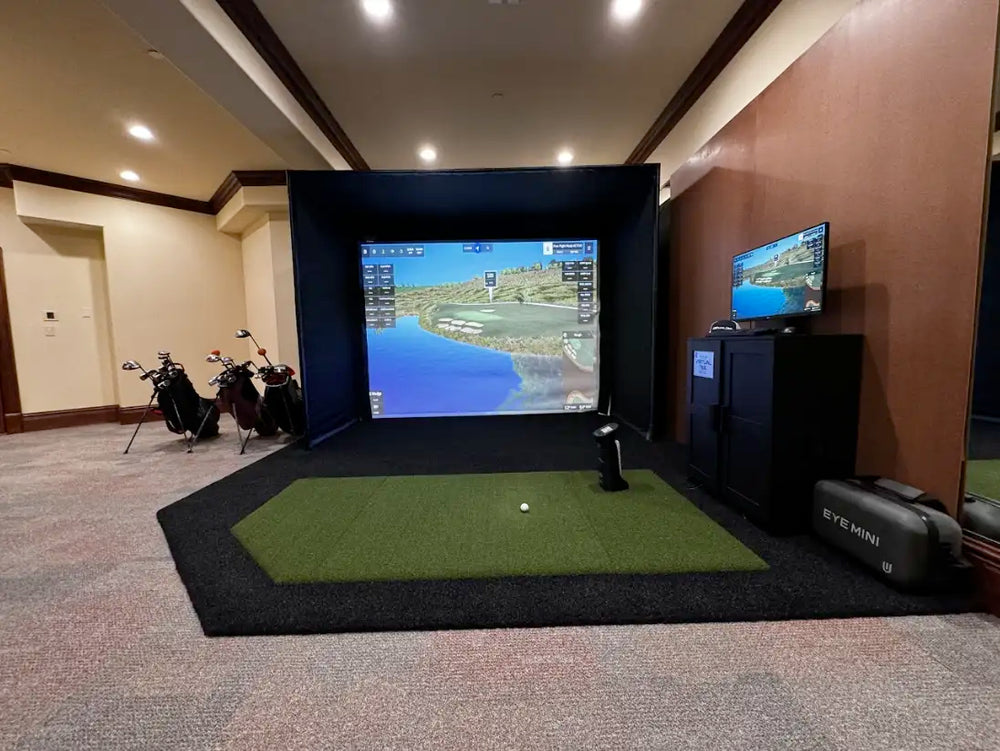
We walk you through the process of picking a launch monitor. This is the device in your simulator that calculates the trajectory of the ball after each drive, chip, slice or putt. The launch monitor sits close to your hitting mat surface or turf strip — Virtual Tee Systems will provide recommendations for mat dimensions.
You will also require a screen for the golf simulator installation. Hit the ball directly into this assembly, as if you were playing on some of the top golf courses in the U.S. and abroad. The final touch for your setup is an HD or 4K projector that displays your game in real time.
The Virtual Tee Systems Difference
Virtual Tee Systems builds more than simulator bays—we create premium golf environments designed for performance, aesthetics, and long-term use. Our Michigan team is led by local partners who take accountability for the details from the first measurement through final calibration and ongoing support.
To learn more about the company and how we approach design and craftsmanship, the About Us page explains what sets Virtual Tee apart from a one-size-fits-all setup.
Ready to Build a Home Golf Simulator in Owosso?
If you're ready to bring year-round golf to your Owosso home—or you want help planning the best room for a simulator—Virtual Tee Systems is ready to guide you through the process.
Starting with Get A Quote helps us recommend the right setup for your space, and if you'd rather talk first, the Contact Us page makes it easy to reach our Michigan team with your questions.