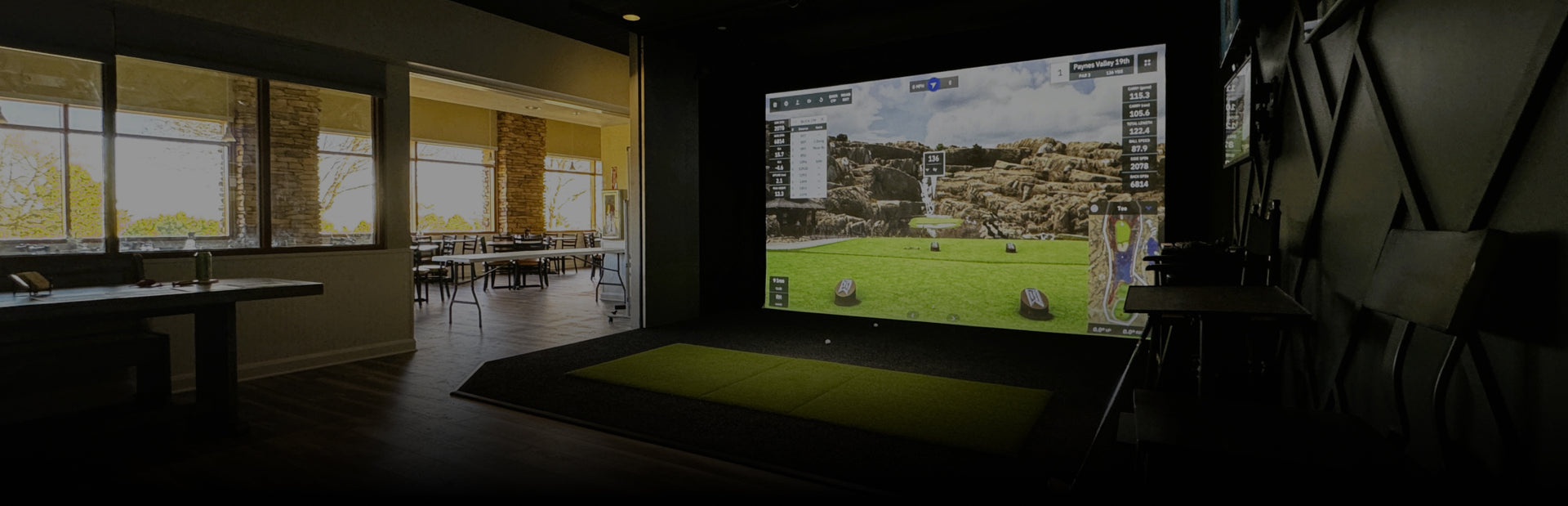
Golf Simulator Screens & Enclosures That Bring Your Space to Life
Your screen and enclosure do more than catch golf balls—they set the tone for the entire room. Virtual Tee Systems offers premium golf simulator impact screens and enclosures built for safety and immersion, for year-round indoor golf. If you’re planning your first build, our Golf Simulators Guide explains the key components (launch monitor, projector, and computer) so you can shop with confidence.
Choose Your Enclosure Style
Every space is different, so we carry options that work for dedicated golf rooms, garages, basements, and commercial bays:
-
DIY Enclosure Kits: A streamlined path to a pro look, with straightforward assembly and sizes for common room footprints.
-
Pro Enclosures: Designed for larger bays and high-traffic use, with a black knit enclosure and rugged fittings for a clean “studio” finish.
-
Retractable Enclosures: Ideal for multi-use rooms—set up a full simulator bay to play, then clear the space afterward.
-
Built-In Screen Kits: For permanent installs, built-in systems and padded panels can make walls and ceilings part of the enclosure for a seamless look.
For a behind-the-scenes view of how a high-end room comes together, our Simulator Build Process walks through framing, flooring, and enclosure details used in real installs.
Choose the Right Impact Screen and Aspect Ratio
The best golf simulator screen delivers sharp visuals, absorbs impact, and reduces noise. Pay attention to surface smoothness and construction, then match your screen size to your projector’s native aspect ratio—commonly 4:3, 16:9, or 16:10. Our How to Choose the Perfect Projector for Your Golf Simulator guide explains why choosing the screen first makes projector selection easier and helps prevent black bars or distortion during play. If you’re deciding between a screen and a net, our Golf Simulator Screen vs. Net: Choosing the Right Impact Surface article compares the tradeoffs for training vs full-course immersion.
Fit Check: Measure Before You Buy
Start with room measurements (height, width, depth), then take a real swing with your longest club. If you’re working with tight headroom, the Low Ceiling? You Can Still Have a Home Golf Simulator article covers layout and equipment tips that make compact rooms work. For most enclosures, leaving a small buffer behind the screen improves protection and performance.
Complete the Setup With the Right Tech
Once your bay is protected and your image is dialed in, complete the system with accurate Launch Monitors, a bright short-throw option from our Projectors collection, and flooring that supports consistent ball striking. If you’re comparing options, Simulators vs. Launch Monitors clarifies what each tool contributes to your practice and gameplay experience.
Get Expert Help
Virtual Tee Systems designs and installs luxury golf simulators nationwide. Browse Our projects for inspiration, then start your plan with Get a Quote so our team can recommend the right screen and enclosure for your space and goals. For questions on sizing, install requirements, or product compatibility, our Contact Us page gets you directly to the team.