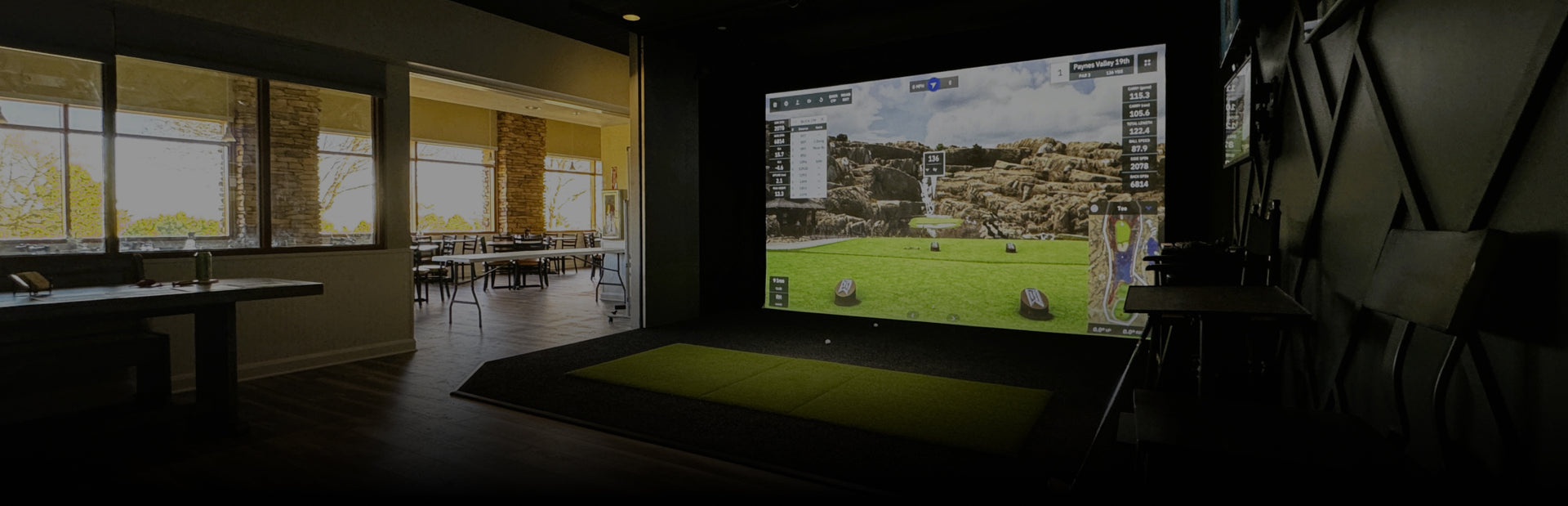
Golf Simulator Projectors for The Complete Experience
A great home golf simulator projector is the difference between “good enough” visuals and an indoor round that feels genuinely immersive. At Virtual Tee Systems, we curate short-throw and 4K-ready projectors that fit real rooms and pair cleanly with modern impact screens.
For a deeper breakdown of specs and placement, our How to Choose the Perfect Projector for Your Golf Simulator guide covers the same criteria our team uses when planning installs.
Choose the Right Golf Simulator Projector
Projector shopping gets easier when you focus on the specs that matter most for simulator use:
-
Brightness (Lumens): We don’t recommend going below 3,000 lumens, and brighter models help with ambient light.
-
Resolution: 1080p performs well, while 4K can deliver next-level realism on larger screens.
-
Throw Ratio: Short throw is typically best for indoor golf to reduce shadows and keep mounting distances practical.
-
Aspect Ratio: Match your screen format (often 16:9) so your image fills the screen cleanly.
-
Input Lag: Lower lag helps gameplay feel more responsive.
Light source also matters. Laser projectors offer consistent brightness and low-maintenance longevity, while lamp-based models can be an excellent value. We carry BenQ and Optoma options selected for simulator-friendly placement and sharp visuals.
Our Home Simulators Guide explains how the projector, launch monitor, and screen work together so you can choose confidently.
Projector Placement That Reduces Shadows
Because the golfer stands between the projector and the screen, placement matters. For most short-throw setups, ceiling mounting just above and slightly behind the hitting area helps keep shadows off the impact screen and keeps equipment safely out of the way. A centered mount also helps reduce keystone correction.
Want to see how the pieces come together during a full installation? Our Simulator Build Process shows how we plan layouts, add flush flooring, and integrate equipment for a finished look.
Match the Projector to Your Screen and Space
The best projector choice depends on your room dimensions, lighting control, and screen size. Start by choosing the right impact bay with Screen and Enclosures so your image size and aspect ratio are locked in early. From there, pick a projector that hits the correct throw distance and brightness for your environment, then fine-tune mounting height and alignment.
If you’re building below grade, the Basement Golf Simulator page shows how we design comfortable spaces that still deliver premium visuals.
Build the Full System Around Your Projector
A projector performs best when it’s paired with the right components. Combine accurate Launch Monitors data with a stable surface from Hitting Mats/Turf, then add upgrades from Extras to finish the room. For inspiration, browse Our projects to see real installs and layout ideas.
When you’re ready to bring your vision to life, start with Request A Quote and our team will recommend the right projector, placement, and screen pairing for your space. If you have questions along the way, Contact Us to connect with an expert.